

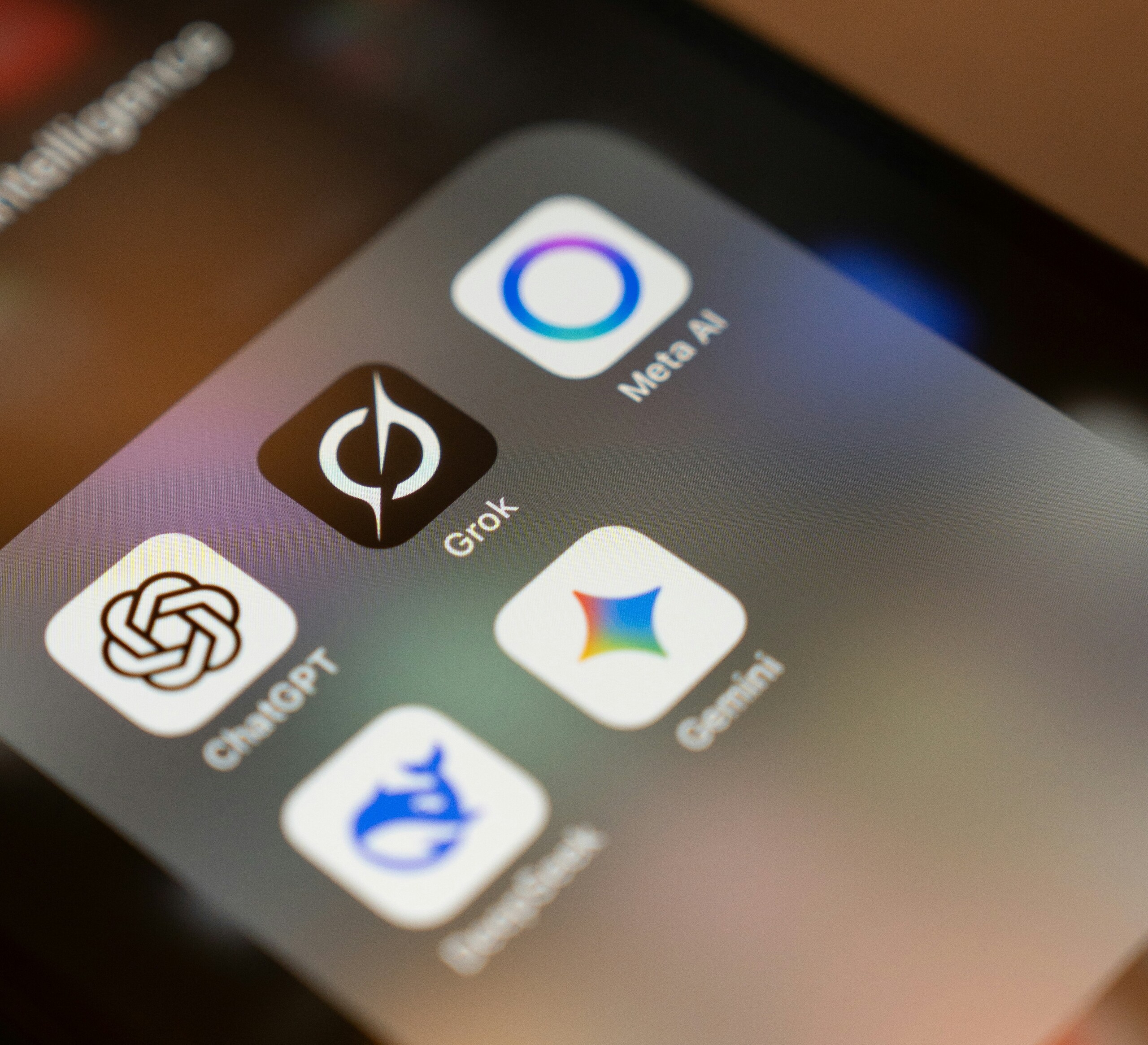
Running a small business in 2026 means juggling everything yourself—marketing, customer chats, invoices, you name it—without a big team or budget. The best AI tools for small businesses cut through that chaos by automating the grunt work, so you save hours and cash without needing a tech degree.
If you’re a non-technical founder tired of wasting time on repetitive tasks, this guide is your shortcut. It breaks down the top AI tools for startups and small teams, highlighting what works for real-world pain points like creating content fast or handling customer questions 24/7. No fluff, no hype—just picks based on what delivers ROI for bootstrapped operations. By the end, you’ll know exactly which 1-2 tools to try first to boost efficiency without overwhelming your workflow.
These business automation tools aren’t magic, but they level the playing field against bigger competitors. Let’s dive into quick picks, then deep dives by category.
Quick Recommendations: My Top AI Picks at a Glance
Overwhelmed by options? Start here. These are the standouts for small businesses based on ease, value, and impact.
- Best overall AI tool: ChatGPT – Handles everything from emails to ideas, with a free tier that’s hard to beat.
- Best AI tool for marketing: Jasper – Cranks out SEO-ready copy that converts, perfect for solo marketers.
- Best AI tool for automation: Zapier – Connects your apps without code, saving you admin drudgery.
- Best free AI tool: Canva Magic Studio – Turns prompts into pro visuals, no design skills needed.
- Best AI tool for customer support: Tidio – Sets up smart chatbots that feel human and work around the clock.
Pick one from this list based on your biggest headache, test the free version, and scale from there. Beginners, relax and start with just 1-2 tools to avoid overload.
Best AI Tools for Small Businesses in 2026 (Detailed Breakdown)
Content & Marketing
Content keeps your small business visible, but writing posts, emails, or social captions steals hours you don’t have. These AI tools for small teams make it dead simple to produce polished stuff that drives traffic and sales.
ChatGPT
What it does: This is your all-purpose AI sidekick. Type a prompt, and it drafts emails, brainstorms campaign ideas, or summarizes competitor research in seconds.
Best for: Solo owners brainstorming blog topics or quick customer replies without hiring a writer.
Pros:
- Free version handles 80% of daily tasks—no credit card needed.
- Super flexible; adapts to your voice with a few examples.
- Integrates anywhere via copy-paste.
Cons:
- Can hallucinate facts, so double-check outputs.
- Paid version needed for heavy use.
Pricing: Free; Plus at $20/month for unlimited access.
Recommendation for small businesses: If you’re just dipping toes into AI tools for startups, start with ChatGPT. It’s the easiest win for non-techies—grab the free tier today and slash your email time in half.
Jasper
What it does: Generates marketing copy tailored for ads, blogs, and landing pages, with built-in SEO smarts to rank higher on Google.
Best for: E-commerce shops or service businesses needing sales-focused content without a copywriter.
Pros:
- Templates for everything from product descriptions to newsletters.
- SEO optimization baked in—helps your content get found.
- Team features for small teams collaborating.
Cons:
- Starts pricier than general tools.
- Less great for non-marketing tasks.
Pricing: Starts at $39/month (billed annually).
Recommendation for small businesses: If content creation is your main challenge, start with Jasper. Non-technical founders commonly find it spits out ready-to-post copy that feels human.
Canva Magic Studio
What it does: Turns text prompts into graphics, videos, presentations, or social posts—no design experience required.
Best for: Solo marketers whipping up Instagram reels or pitch decks on the fly.
Pros:
- Drag-and-drop easy, even for total beginners.
- Huge free library of templates and assets.
- Edits videos in one click.
Cons:
- Advanced features locked behind Pro.
- Outputs can look generic if prompts are vague.
Pricing: Free; Pro at $15/month.
Recommendation for small businesses: For beginners, this is the easiest tool to try first. If visuals are holding back your marketing, Canva’s free AI beats hiring a freelancer every time.
Customer Support
Customers expect instant answers, but you can’t staff chat 24/7. These AI tools handle queries, calls, and follow-ups so you focus on growth.
Tidio
What it does: Builds chatbots for your website that answer FAQs, book appointments, or qualify leads automatically.
Best for: E-commerce or service businesses with steady inquiries but no support team.
Pros:
- Integrates with Shopify, WordPress, and email in minutes.
- Feels conversational, not robotic.
- Analytics show what’s working.
Cons:
- Free plan limits conversations.
- Setup takes 30 minutes of tweaking.
Pricing: Free for basics; paid from $29/month.
Recommendation for small businesses: Small teams commonly report Tidio provides round-the-clock support without the hassle. If unanswered chats are killing your sales, plug it in now.
HubSpot AI
What it does: Adds AI to your CRM for lead scoring, email personalization, and chat responses.
Best for: Growing startups tracking customer interactions across email and site.
Pros:
- Free CRM base with AI upgrades.
- Spots hot leads automatically.
- Seamless with other HubSpot tools.
Cons:
- Full power needs paid tiers.
- Learning curve for non-CRM users.
Pricing: Free tools; AI features from $20/month.
Recommendation for small businesses: Pair this with your existing email setup if leads slip through cracks. It’s a no-brainer for AI tools for small teams wanting smarter sales.
Otter.ai
What it does: Records, transcribes, and summarizes meetings or calls, pulling out action items.
Best for: Consultants or agencies chasing client follow-ups.
Pros:
- Real-time transcription with speaker ID.
- Searchable notes save hours searching.
- Shares summaries instantly.
Cons:
- Accuracy dips with accents or noise.
- Storage limits on free plan.
Pricing: Free; Pro at $10/month.
Recommendation for small businesses: Skip manual note-taking—Otter.ai turns calls into tasks. Perfect if you’re consulting solo.
Workflow Automation
Glue your apps together without code. These save admin time so you run lean.
Zapier
What it does: Connects 5,000+ apps to automate flows, like turning emails into tasks or invoices. (See our [Zapier vs Make comparison] for alternatives.)
Best for: Any small business drowning in manual data entry.
Pros:
- No-code “Zaps” build in 5 minutes.
- Free tier for light use.
- AI now suggests automations.
Cons:
- Complex Zaps cost extra tasks.
- Overkill for single-app users.
Pricing: Free; Starter at $20/month.
Recommendation for small businesses: Zapier is a go-to for business automation tools. Users commonly find one Zap for leads to sheets frees up a full day weekly.
Notion AI
What it does: Supercharges your Notion workspace with summaries, idea generation, and database smarts. (Read our full [Notion AI review].)
Best for: Creative teams organizing projects and wikis.
Pros:
- Lives inside Notion—no new logins.
- Brainstorms and edits docs on demand.
- Affordable add-on.
Cons:
- Tied to Notion ecosystem.
- Less powerful for heavy math.
Pricing: $10/month add-on (Notion free base).
Recommendation for small businesses: If Notion’s your hub, add AI for instant organization. Great for non-technical startups.
Asana Intelligence
What it does: Predicts project delays and auto-assigns tasks in your Asana boards.
Best for: Small teams managing client work or launches.
Pros:
- Spots risks before they hit.
- Simple team updates.
- Free trial easy.
Cons:
- Best with existing Asana use.
- Premium for full AI.
Pricing: Free base; Premium $11/user/month.
Recommendation for small businesses: Use if projects slip—AI keeps things on track without micromanaging.
Operations & Finance
Crunch numbers and ops without spreadsheets or accountants.
Google Gemini
What it does: Analyzes data in sheets for forecasts, trends, or inventory insights.
Best for: Retailers planning stock or cash flow.
Pros:
- Free with Google account.
- Handles spreadsheets natively.
- Explains insights plainly.
Cons:
- Less specialized than finance apps.
- Privacy if sensitive data.
Pricing: Free; Advanced via Workspace $20/month.
Recommendation for small businesses: Everyday ops hero—ask it to forecast sales from your sheet.
QuickBooks AI
What it does: Automates invoicing, expense tracking, and cash predictions.
Best for: Freelancers or shops handling books solo.
Pros:
- Matches receipts automatically.
- Simple dashboards.
- Integrates with banks.
Cons:
- US-focused features.
- Subscription creep.
Pricing: Starts at $30/month.
Recommendation for small businesses: Ditch manual bookkeeping—QuickBooks AI pays for itself in saved accountant fees.
Comparison Tables: Pick the Right Tool Fast
Content & Marketing Comparison
| Tool | Best For | Pricing (Start) | Why Choose It |
|---|---|---|---|
| ChatGPT | Emails & ideas | Free/$20/mo | Versatile starter for any task |
| Jasper | SEO ads & blogs | $39/mo | Pro copy that ranks and sells |
| Canva AI | Social visuals | Free/$15/mo | Effortless designs for beginners |
Automation & Support Comparison
| Tool | Best For | Pricing (Start) | Why Choose It |
|---|---|---|---|
| Zapier | App connections | Free/$20/mo | Ends manual busywork instantly |
| Tidio | Website chatbots | Free/$29/mo | 24/7 customer wins without staff |
| Otter.ai | Meeting notes | Free/$10/mo | Turns talks into actionable lists |
Operations Comparison
| Tool | Best For | Pricing (Start) | Why Choose It |
|---|---|---|---|
| Google Gemini | Data forecasts | Free | Free insights from your sheets |
| QuickBooks AI | Bookkeeping | $30/mo | Automates finances painlessly |
| Notion AI | Project org | $10/mo add-on | All-in-one workspace boost |
Final Verdict: Start Small, Win Big
Don’t try every AI tool at once—that’s a recipe for burnout. Pick ChatGPT (free overall winner) plus one specialist like Jasper for marketing or Zapier for automation. Test for a week, track time saved, then add more. Small businesses thrive by stacking 2-3 tools max, focusing on your top bottleneck.
Many small businesses report these picks deliver real savings for non-technical founders. Ready to reclaim your week?
What’s your biggest business headache right now—marketing, support, or ops? Let me know, and I’ll suggest a custom starting stack.
FAQ
Are AI tools safe for small businesses?
Yes, most reputable ones like those listed have strong privacy features and comply with data laws. Stick to well-known providers and review their policies before uploading sensitive info.
Do I need technical skills to use these AI tools?
No—these are designed for non-tech users with simple prompts and no-code setups. Most have tutorials to get you started in under 30 minutes.
Can small businesses rely only on free AI tools?
Free tiers work great for testing and light use, but paid plans unlock unlimited features for growing teams. Start free, upgrade as you scale.